TM 6-785 · Field Modification Manual
Deadly Dozen
Reloadedmodded, end to end
Everything needed to take a clean Steam copy of Deadly Dozen Reloaded and end up with a pre-configured BepInEx 6 IL2CPP loader, 210 exposed render settings on a hotkey, and the entire 2002 original soundtrack playing in the remake. Nine sections, in order, with nothing assumed.
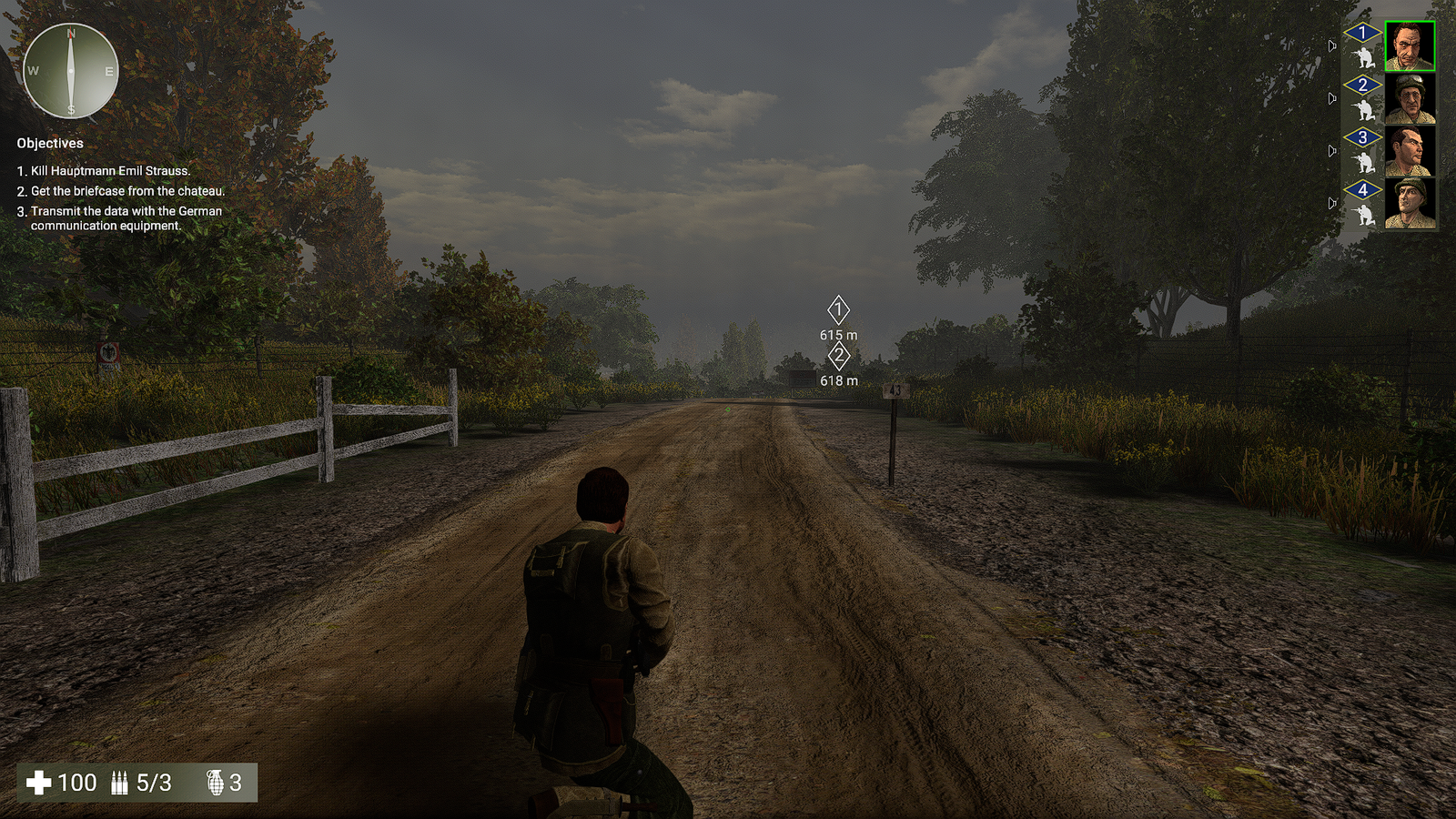 View at 1920×1080
01 What is in the kit
Four archives, installed in a fixed order. The first one is not optional and not interchangeable — it is a specific BepInEx build, pre-configured for this exact game, and the three plugins are compiled against what it ships. The other three are independent of each other; install any, all, or none.
BepInEx 6 — Unity.IL2CPP win-x64
The mod loader. It injects itself into the game at startup, reconstructs the game's type information from its native binary, and hands plugins a normal C# surface to work against. Nothing else in this manual runs without it.
Ungodly GFX v1.1.0
The game's options menu offers ten graphics settings. Underneath it, Unity's Universal Render Pipeline, a full post-processing volume stack, the HBAO asset, Gaia terrain with live weather and the Procedural Worlds water system are all sitting there unreachable. This plugin exposes 210 settings across all of it, on an in-game window bound to F7.
OG Sound Remaster v1.0.1
Reloaded is a remake of a 2002 game. This puts the original's entire audio bank back into it — every weapon, all four squad voice packs, German patrol chatter, impacts, vehicles, ambience, the mission music read from the original's own playlist file, and all thirty briefing narration tracks. Bound by role, not by guessing at filenames.
PermaDeath System v1.0.0
The odd one out, and the only one that can cost you something. Reloaded lets you feed its twelve named soldiers into the grinder for free — the dead respawn next mission and a quickload undoes anything. This removes that safety net for the whole campaign: deaths commit to disk instantly, survive any reload, and lock the man out of the roster for good. When the twelfth soldier dies it deletes every save file you have. Entirely optional.
02 The route
Sections 01 through 07 are a sequence and each one assumes the last one finished. Sections 08 through 10 are reference and can be read whenever you need them.
Set aside about an hour for a first install. Most of that is one unattended first launch where BepInEx rebuilds the game's type graph — a few minutes on a modern machine, longer on a slow drive, and it only ever happens once.
03 What finished looks like
This is the whole install in one picture. Everything in orange you copy in by hand; everything
in brass BepInEx creates for itself on the first launch. Nothing overwrites a shipped game file,
and nothing here writes into DeadlyDozenReloaded_Data.
-
Deadly Dozen Reloaded\
the Steam install folder
- DeadlyDozenReloaded.exe shipped — the anchor for everything below
- GameAssembly.dll shipped — 29.8 MB of compiled game code
- UnityPlayer.dll shipped
- DeadlyDozenReloaded_Data\ shipped — never touched
- winhttp.dll from A — the injector
- doorstop_config.ini from A — tells the injector what to load
- .doorstop_version from A
- dotnet\ from A — the CoreCLR runtime BepInEx runs on
-
BepInEx\
- core\ from A — the loader itself
- patchers\ from A — empty, and correctly so
- unity-libs\ from A — pre-seeded, see section 02
-
plugins\
- UngodlyGFX.dll from B
- OGSoundRemaster\ from C — DLL plus its 526-file bank
- PermaDeathSystem\ from D — optional; writes its ledger here
- config\ created on first run; B adds its file here
- cache\ created on first run
- interop\ created on first run — the reason it is slow
- LogOutput.log created on first run — your first stop when anything is wrong
- You copy this in
- BepInEx creates this on first run
- Shipped with the game — do not touch
- Delete this and nothing loads
04 How to read this manual
| Marker | Means |
|---|---|
| Warning | Do this wrong and the install fails or the game will not start. Read these ones. |
| Note | Background that explains why a step exists. Skippable if you are in a hurry. |
| Confirm | A concrete way to check you are where you think you are before continuing. |
| Under the hood | The mechanism, for people who want it. Never required to finish a step. |
Reference plates are the photographs — seven of them, numbered in the order you meet them. Every plate on a page is a resized copy; click any plate to open the untouched 1920 × 1080 original at full pixel size, which is the only way to read the file listings and the console text in them. The viewer also links straight to the original file if you would rather open it in its own tab.
Each numbered section ends with a short sign-off list. Ticks are remembered in your browser, so if you install over two sittings you can see exactly where you stopped.
Before starting section 01
0 of 4 confirmed